JVC has just announced the availability of a free update for its latest D-ILA projectors. On the menu: Filmmaker mode, a new dynamic laser control algorithm and two new Frame Adapt HDR image modes. This further enhances the quality of 4K HDR images projected by the JVC DLA-NP5, JVC DLA-NZ7, JVC DLA-NZ8, JVC DLA-NZ9, JVC DLA RS1100, JVC DLA RS2100, JVC DLA RS3100 and JVC DLA RS4100 projectors.
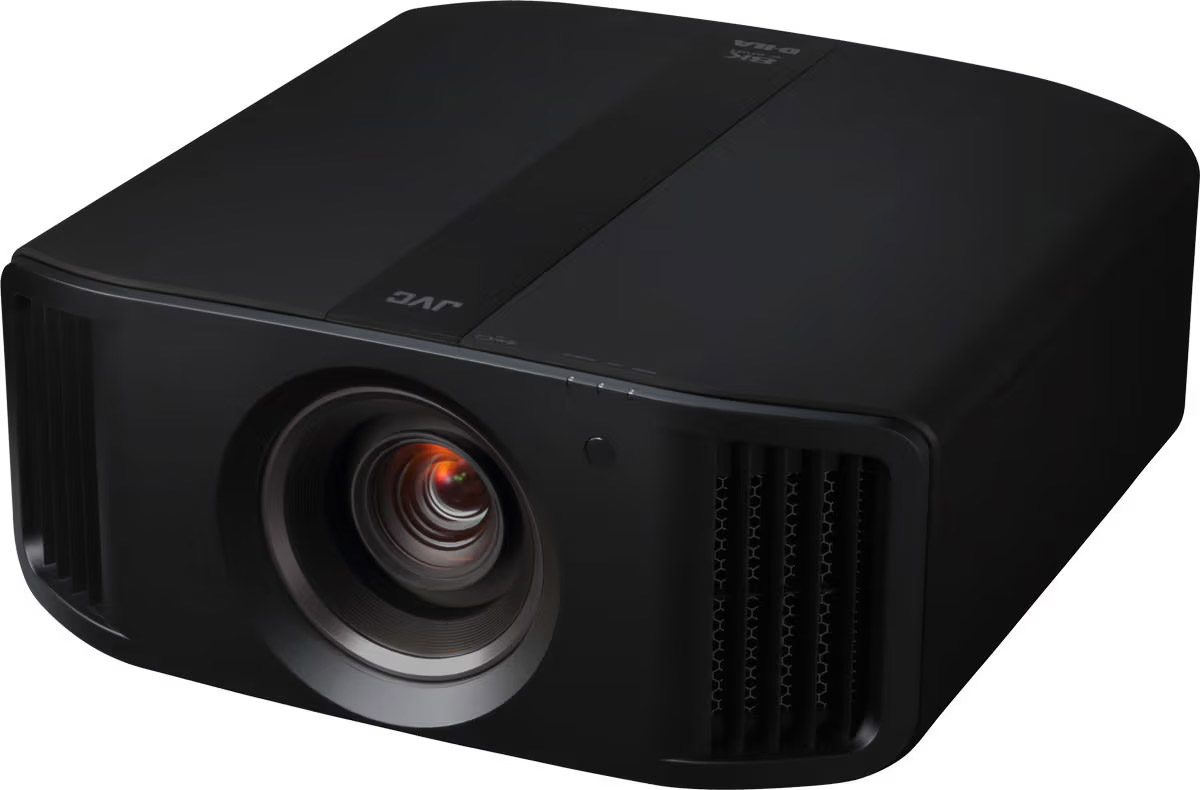
The new firmware offered for download by JVC ensures better Frame Adapt HDR performance, additional Frame Adapt picture modes, a new dynamic dimming mode for laser projectors (not applicable to the JVC DLA-NP5 and JVC DLA-RS1100 which are lamp models) and the addition of Filmmaker Mode to faithfully reproduce the director’s intentions. The image quality is significantly improved with these latest generation JVC D-ILA projectors.
JVC projectors: Frame Adapt HDR improvements
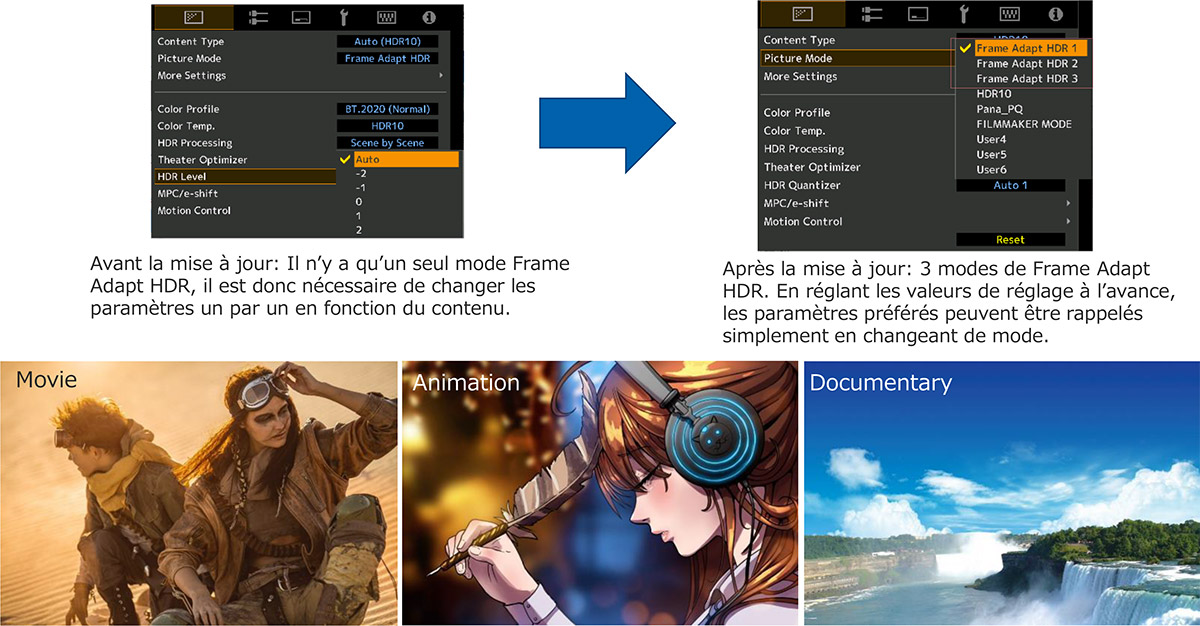
In addition to the existing Auto mode, a new Auto (Wide) mode has been added to the HDR level setting, which puts more emphasis on brightness. This allows you to create more dynamic HDR images according to your preferences.
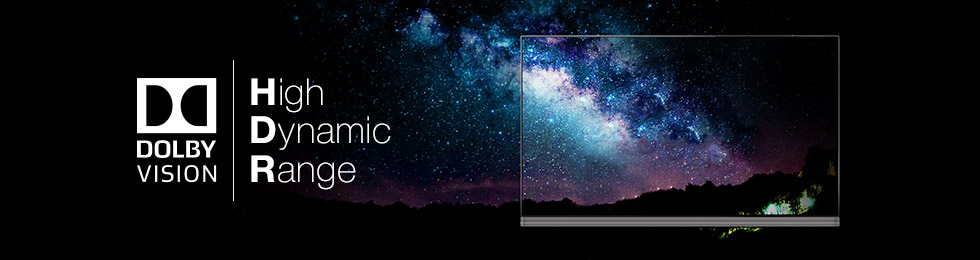
In addition, two new modes have been added to the popular Frame Adapt HDR picture mode for HDR10 content. The three modes allow you to store your preferred settings for different ambient light conditions and the type of content being viewed.
JVC projectors: new dynamic laser control
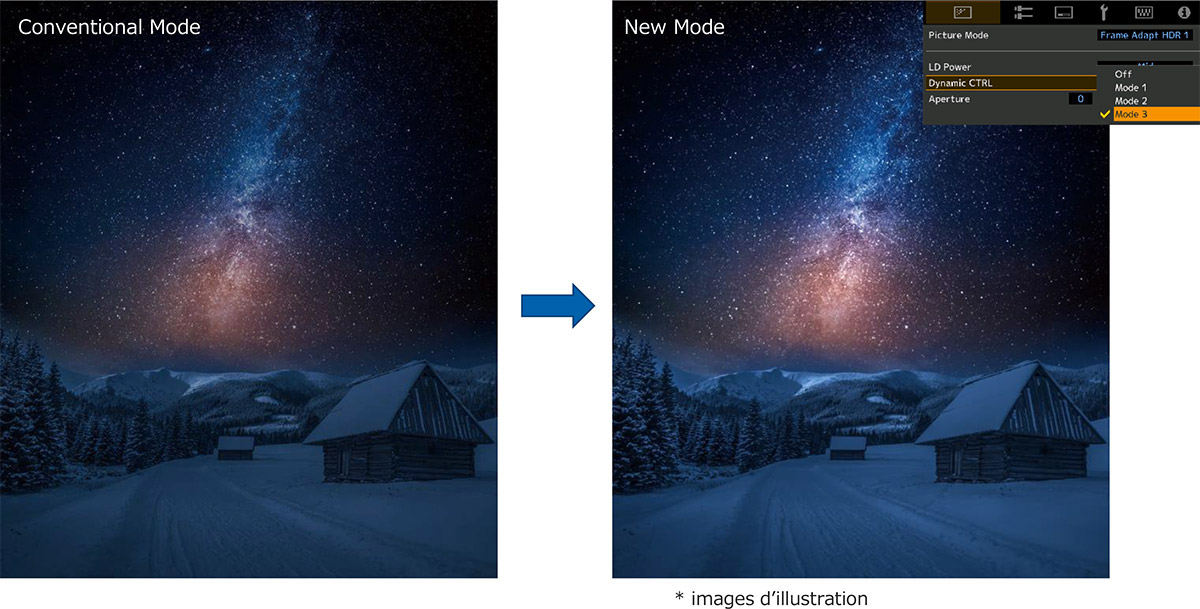
Until now, laser control was based on the average luminance of the whole image. In the new mode, this setting is now based on the peak luminance, resulting in images with an increased dynamic range. It offers an even better reproduction of dynamic images, such as stars twinkling in the dark and night landscapes. In addition, even images with low peak luminance can be appreciated with a greater sense of contrast.
JVC projectors: Filmmaker mode to faithfully reproduce the director’s intentions
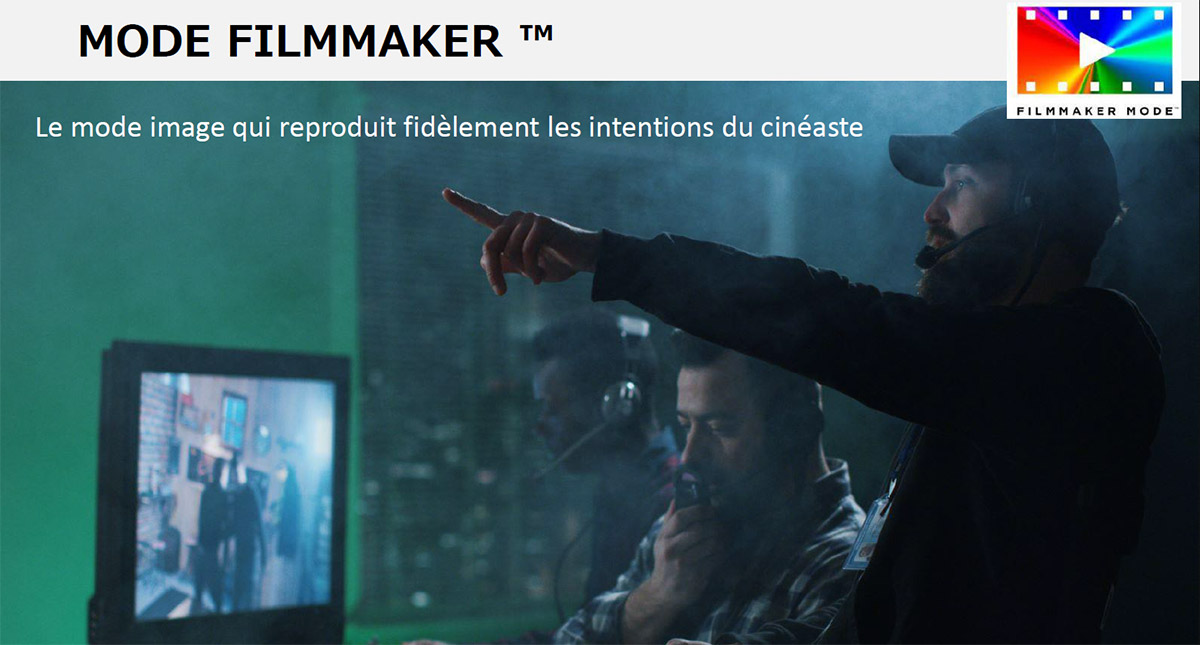
Filmmaker Mode was developed by the UHD Alliance, an organization of Hollywood film studios, television studios, content distributors, consumer electronics manufacturers and device developers, with the goal of faithfully reproducing filmmakers’ visions in the home. When this mode is selected, several image adjustments are disabled (image interpolation, noise reduction). In addition, the color temperature is set to D65 (6500K). These adjustments allow users to enjoy movies and documentaries with image quality true to the original master.
More compatible models for the screen setting mode
Finally, new projection screens from many different brands have been added to the list of compatible models to automatically adjust the picture characteristics according to the specifications of the screen. This means that 199 different screens are now supported, including the Microperf Oray HD 4K microperforated screen and Goo Systems screen paints.
JVC projectors: how to get the update?
Available on the manufacturer’s website since November 15, the firmware update to V.2 only concerns the JVC DLA-NP5, JVC DLA-NZ7, JVC DLA-NZ8, JVC DLA-NZ9, JVC DLA RS1100, JVC DLA RS2100, JVC DLA RS3100 and JVC DLA RS4100 projectors.
To update your projector, you must first download the file from the manufacturer’s website (https://www.jvc.com/global/support/download/pj202203_firmware/).
Then unzip the compressed file and copy its content onto a USB key (1GB or more, FAT32 formatting). You can then insert the USB key into the USB port of the projector and go to the menu to launch the update procedure.


Important information
Please note that this firmware update is only intended for the projectors mentioned above, whose current firmware is Ver.1.24 or earlier.
After updating the firmware, it is not possible to revert to the previous version. In addition, every setting on the projector will be reset to the factory settings after this update. If you have had your projector professionally calibrated, it will be necessary to perform a new calibration after this update.
Want to know more about the different projection technologies and how far away from the screen you should be seated? Feel free to consult the following guides: